01
Solid 3D simulation
Inspect pockets, holes, channels, edge notches and relief machining as a clear solid result.



CNC preview and simulation
Turn machining files into an inspectable 3D result, colored toolpaths, operation statistics and a dimensioned technical drawing.
Machining files are processed locally in your browser.
One workspace, four clear views
Move from program data to a visual result without installing desktop CAD/CAM software.
Inspect pockets, holes, channels, edge notches and relief machining as a clear solid result.
Separate tools by color, assign cutter diameters and compare the programmed path with the result.
Generate a top view with overall dimensions, hole locations, channel details and notch measurements.
Review diameters, depths, positions, orientations, tool changes and estimated machining information.
Built for real workshop files
Load G-code, plotter paths and common woodworking machining files. Cutter diameter, compensation, density and material controls remain available when the source needs additional setup.
Check a machining fileFrom file to decision
Practical CNC reference
Learn how machining formats store geometry, why tool diameter changes the solid result, and how to verify Z depth before production.
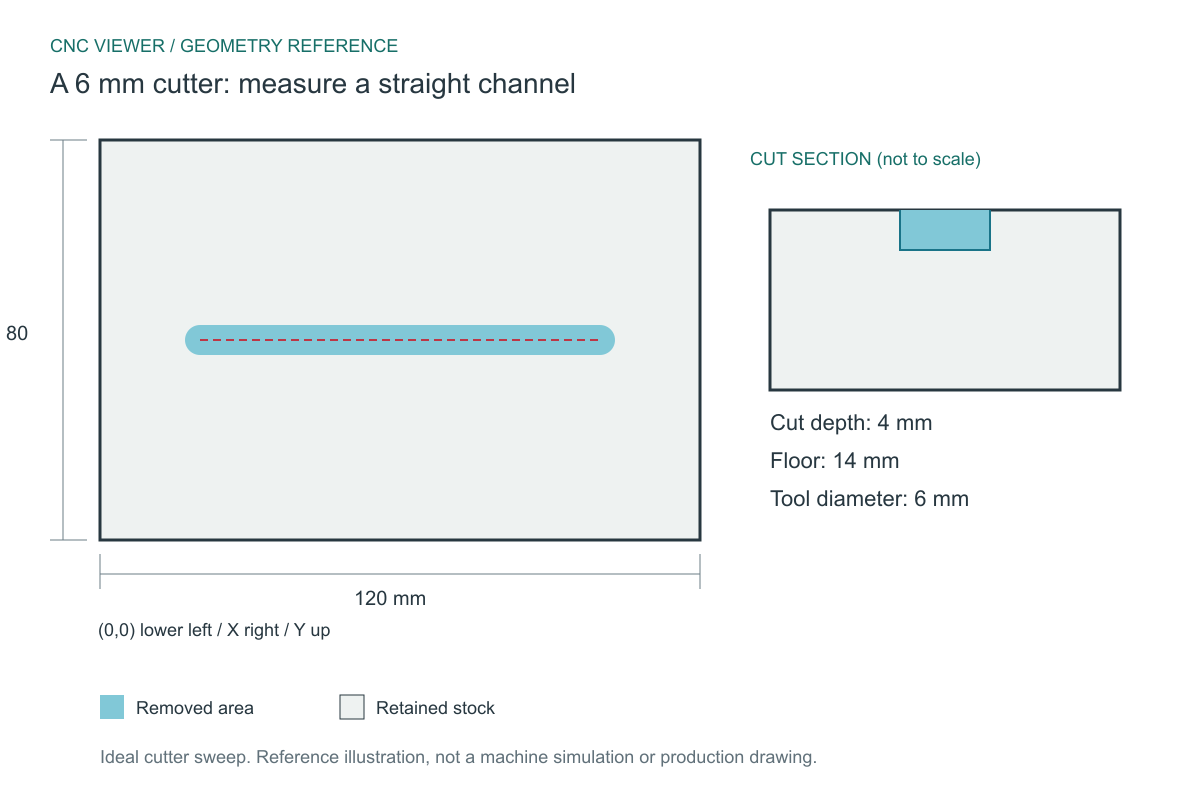
Download a short NC example and verify a 6 mm-wide, 4 mm-deep channel using the cutter radius and programmed endpoints.
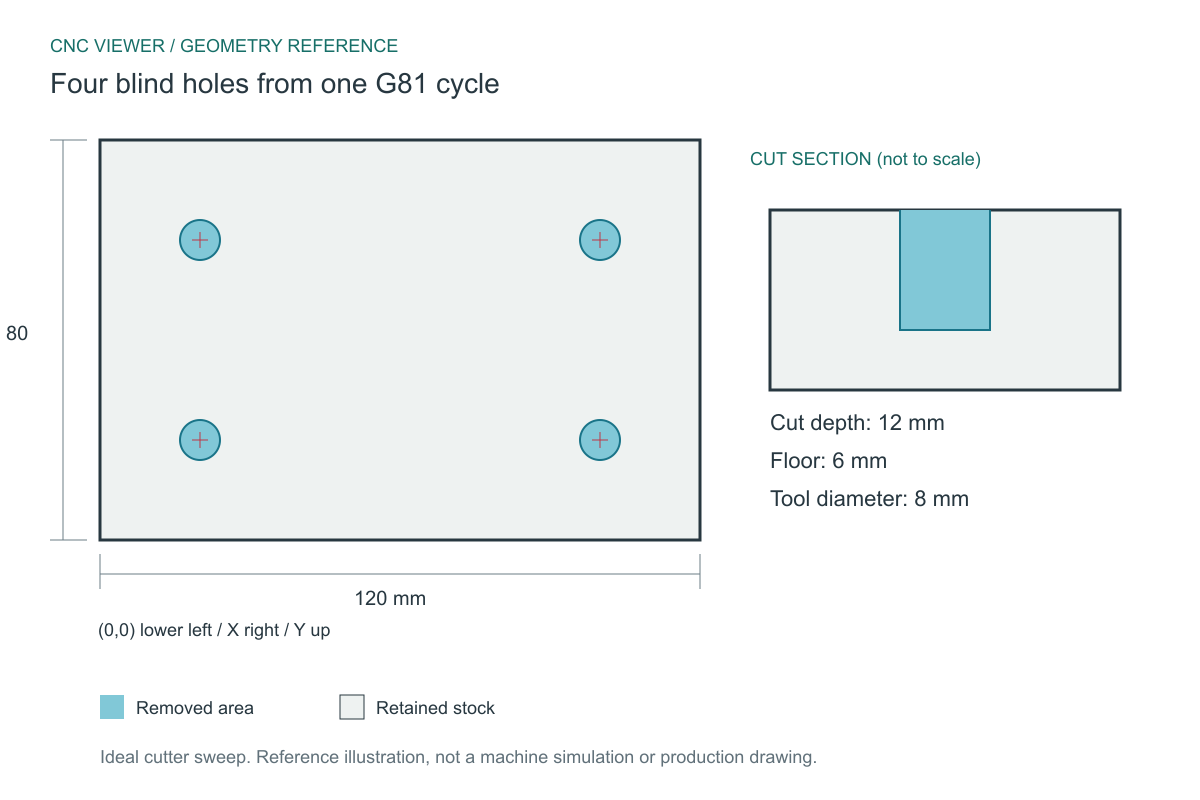
Download a four-hole NC program and check modal G81 drilling, 8 mm diameter, 12 mm depth and 80 x 40 mm center spacing.
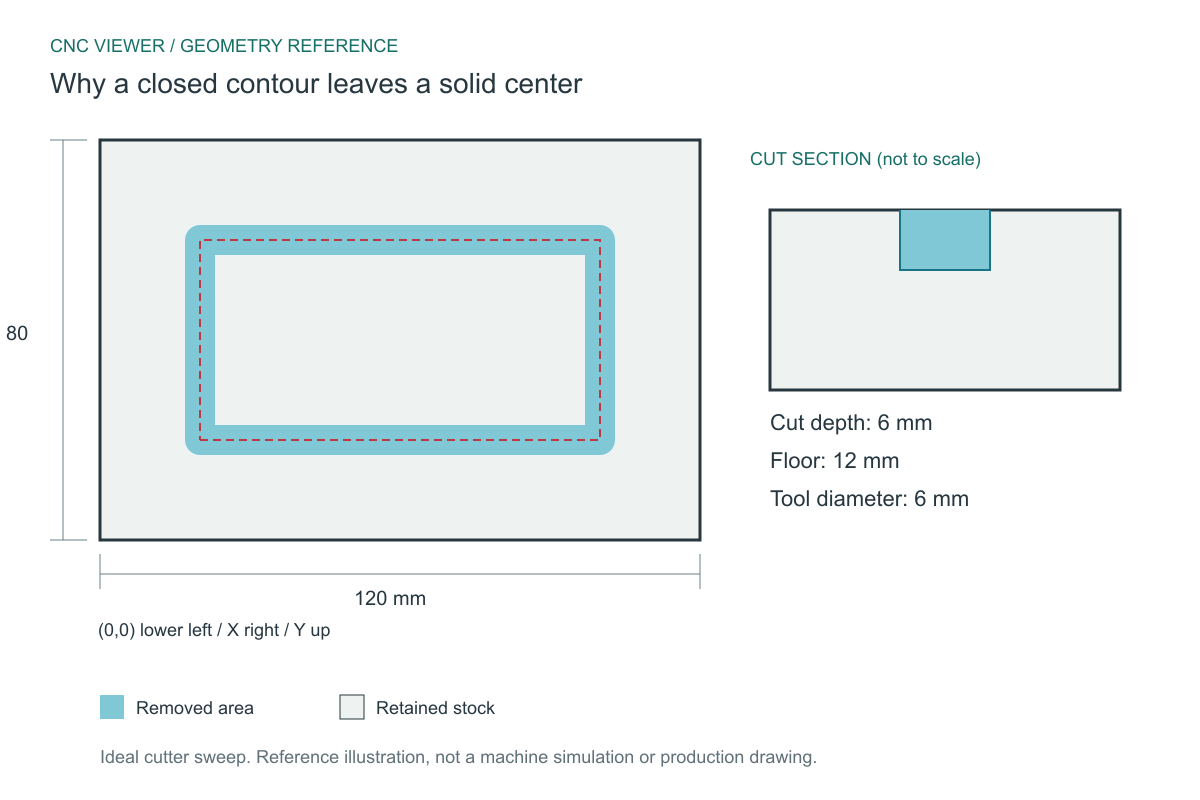
Download a rectangular contour example and compare its 6 mm swept groove with the 74 x 34 mm uncut central island.
See what each format normally contains and which values may require confirmation.
Understand cutter width, Z origins, offsets, drilling and simulation density.
Compare top, bottom and positive-Z conventions with worked panel examples.
Understand centerline, inside and outside processing without doubling cutter width.
Review variables, duplicate operations, edge drilling and missing tool data.
Check stock, tools, removed volume, holes, contours and dimensions in order.
Learn what is processed locally, what the viewer supports and where its limits are.
Support and file requests
Contact us for support, questions or feedback. If there is another CNC file format you would like CNC Viewer to support, send us a sample file with a short description.
admin@cnc-viewer.com